Backup
Backup is a task that allows the user to perform multi-device backups in batches. Any backups generated with this functionality are saved with UTC time stamp.
Interface components
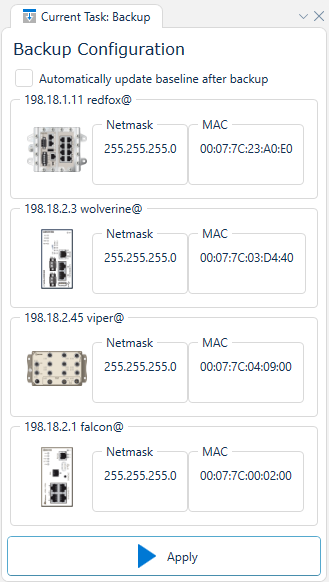
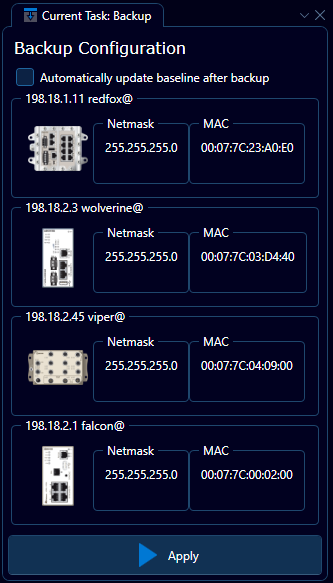
Depicted above is an example of how the user interface may appear for a set of selected devices. Each devices is simply listed as an indicator for which devices will recieve a backup command on task execution.
When selecting Automatically update baseline after backup down in the left-hand corner of the interface, then the following backup will be used as new baseline for the devices.