CLI Scripts
CLI Scripts is a task that allows for the execution of custom scripts on multiple devices simultanously.
Interface Components
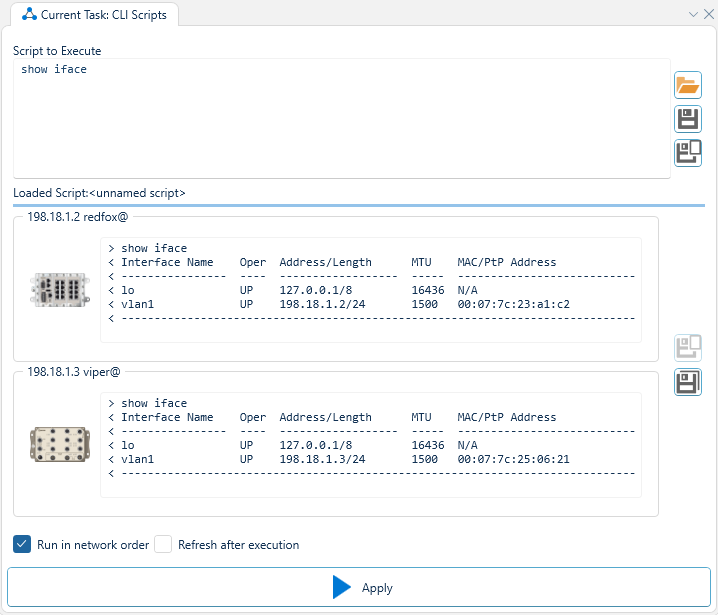
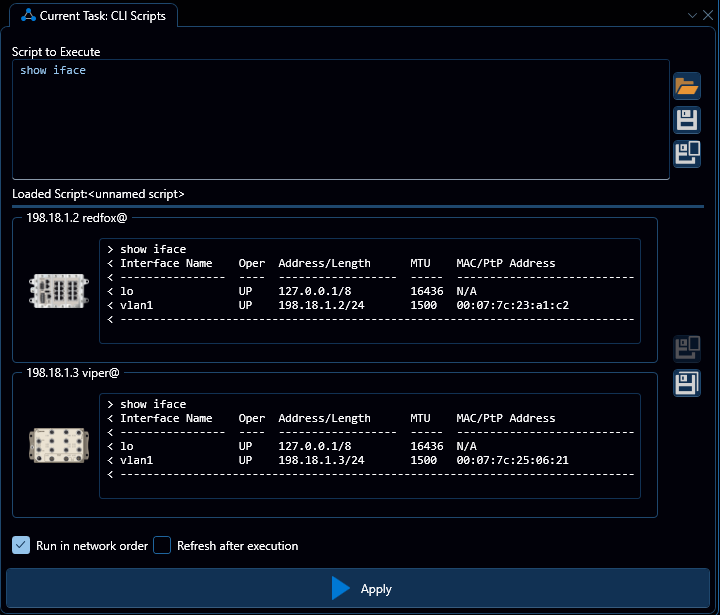
Script box
This box labled "Script to execute" is editable and contains the current script to execute on the selected devices. The script is a sequence of newline-seperated CLI commands that will be executed in order on all the selected devices.
Open button
The top of the three buttons to the right of the script box, this button will open up a file browser allowing the user to load a file to the script box.
Save buttons
The middle and bottom of the three buttons to the right of the script box, this button will save the current contents of the script box to the project or a user specified location, respectively.
Device list
Beneath the script box is a list of devices, where the contents of each list element is populated with the input and output of the last script executed, denoted by > and < respectively.
Save buttons
To the right of the device list is a set of two save buttons, these will save the input/output of the scripts per device to the project / a user specified location respectively.
Run in network order
This checkbox, when checked, will cause the script to run in network topology order, rather than in complete parallel.
Refresh after execution
This checkbox, when checked, will cause WeConfig to run a Refresh after all the devices have executed the provided script.