Interface
WeConfig's user interface is divided into three primary areas:
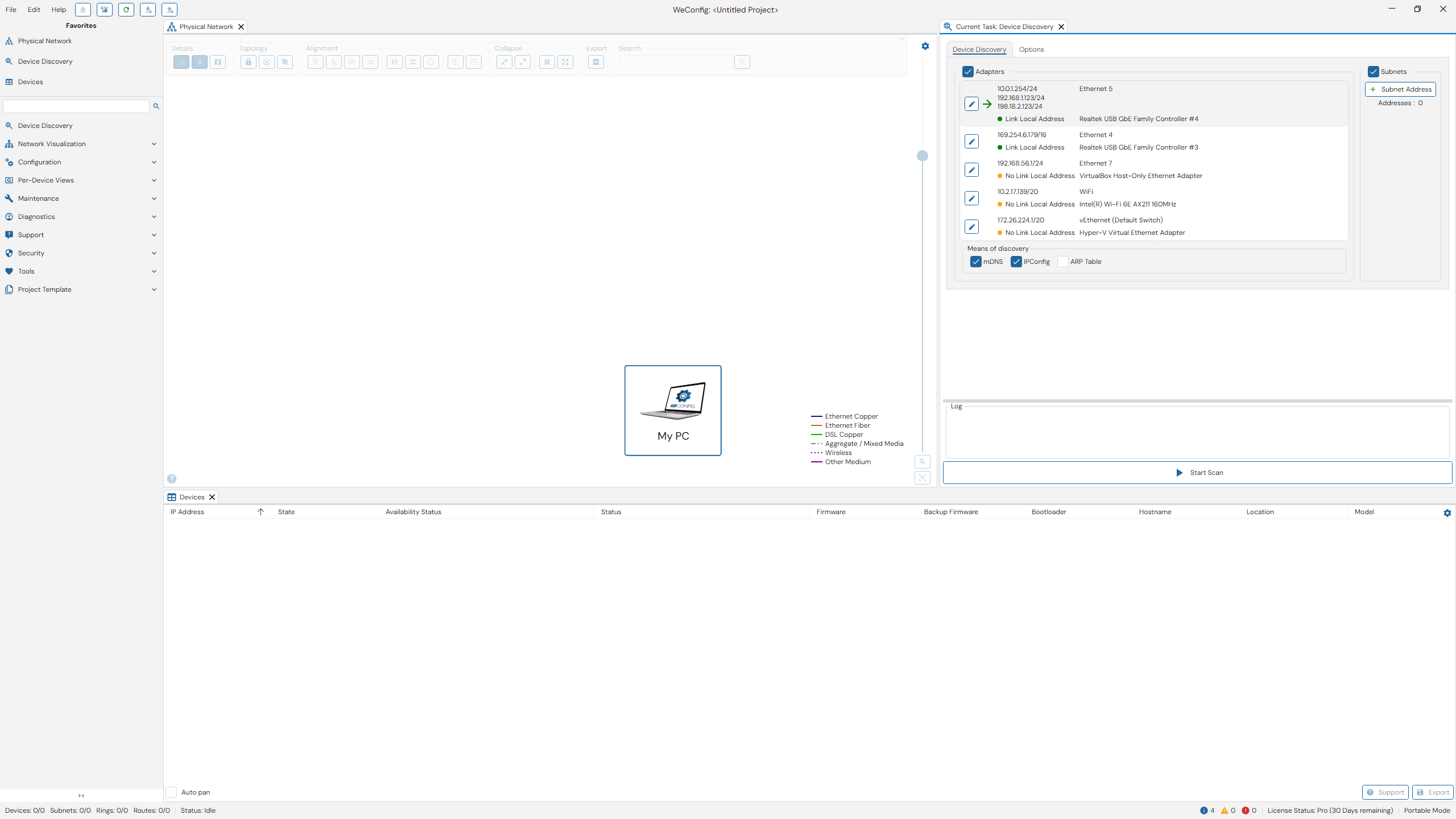
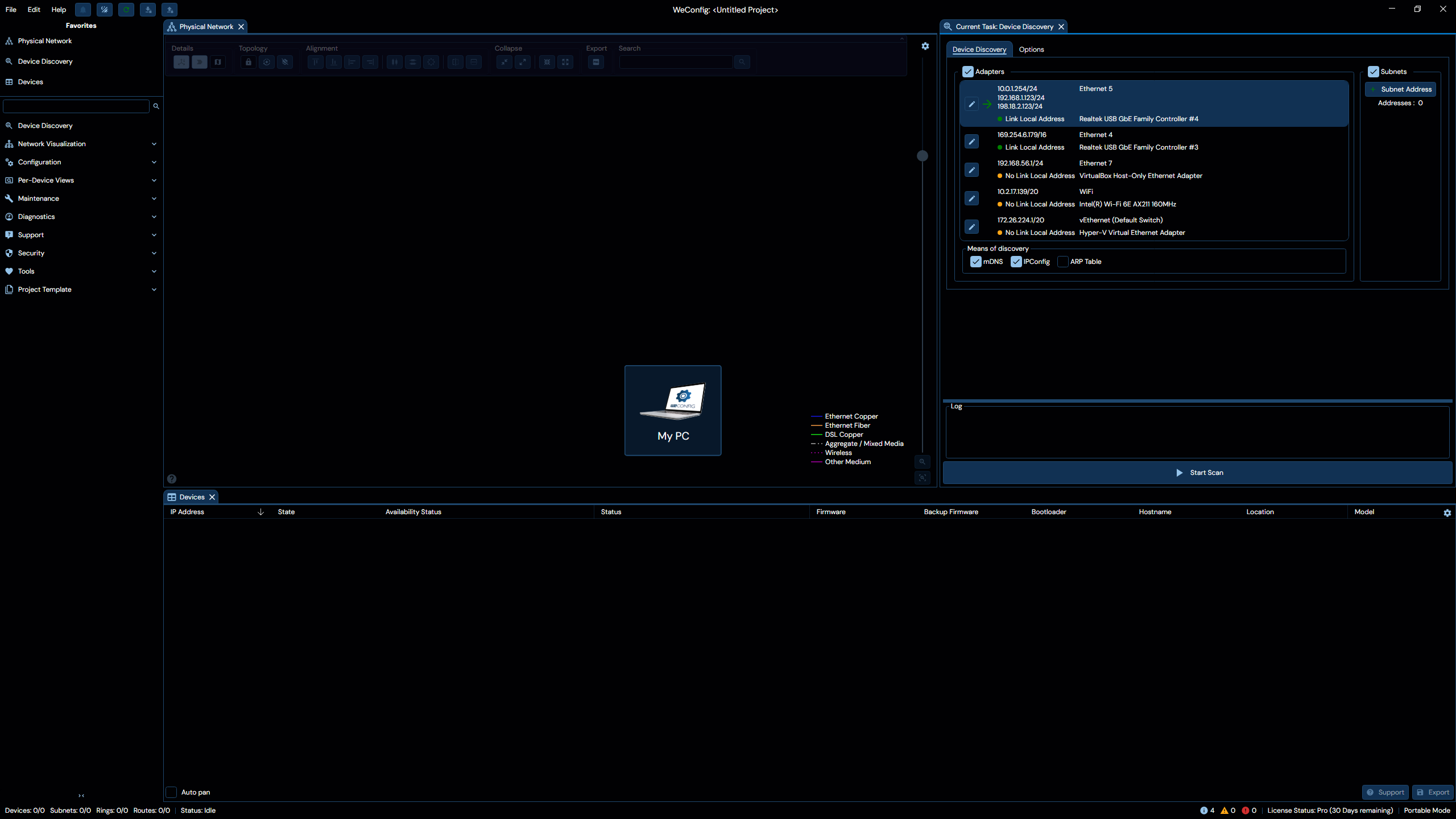
- The Document panel
- The Navigation menu
- The Title bar
Zoom In/Out
The entire user interface may be magnified, or zoomed in/out, just like web browsers.
To make the user interface elements bigger (zoom in), press Ctrl+Plus or Ctrl+Mouse Wheel Up.
To make the user interface elements smaller (zoom out), press Ctrl+Minus or Ctrl+Mouse Wheel Down.
To reset any zoom, press Ctrl+Zero. The status bar will also show the current magnification if it differs from normal.