Notifications
WeConfig has a notification system to alert to user of items that requires the users attention such as software updates. All current notifictions are available in the notifications flyout. Every notification can be deleted and most have actions specific to that notification available.
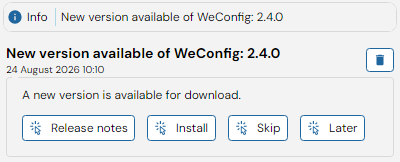
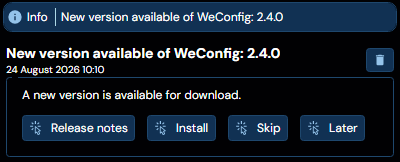
This menu can be accessed through the "Show/hide notifications" quick action in the title bar. The quick action button also indicates the current nofication count and highest severity.
| Severity | Color | |
|---|---|---|
  | No notification | None |
  | Information | Blue |
  | Warning | Yellow |
  | Error | Red |
To notify the user that a new notification is available a toast appears in the bottom right corner. Simply clicking on this toast dimisses the toast. The notification itself will still be available through the notifications quick action.

